





















How to Maintain and Clean Your Laser Engraver: A Beginner’s Checklist

A laser engraver is more than a tool — it’s the heart of your creative or business projects. Regular care is the best way to extend its lifespan, improve results, and avoid costly repairs.
This beginner-friendly checklist will guide you through simple but effective steps to keep your machine clean, safe, and running smoothly.
1. Daily Care After Each Session
-
Wipe surfaces: Remove dust, smoke residue, and scraps.
-
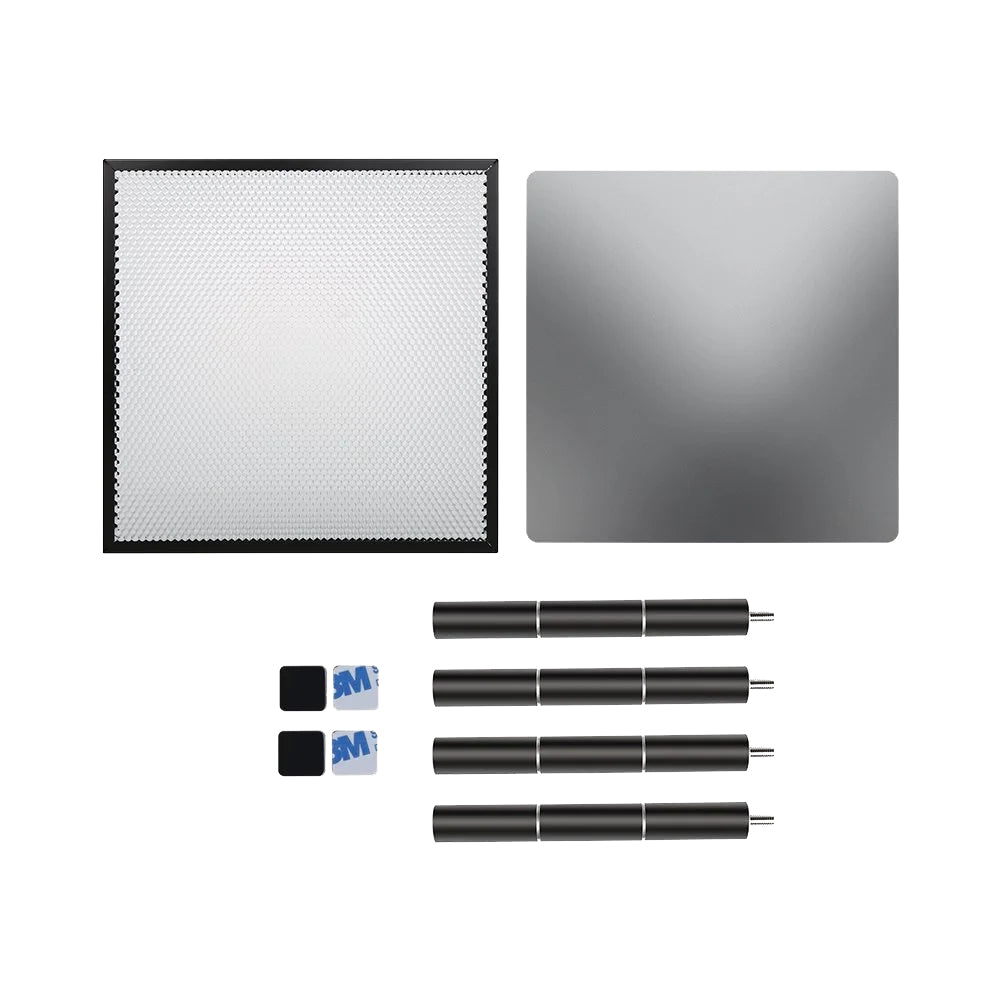
Clear debris: Empty the honeycomb bed or tray.
-
Let it cool: Avoid touching hot parts or materials right away.
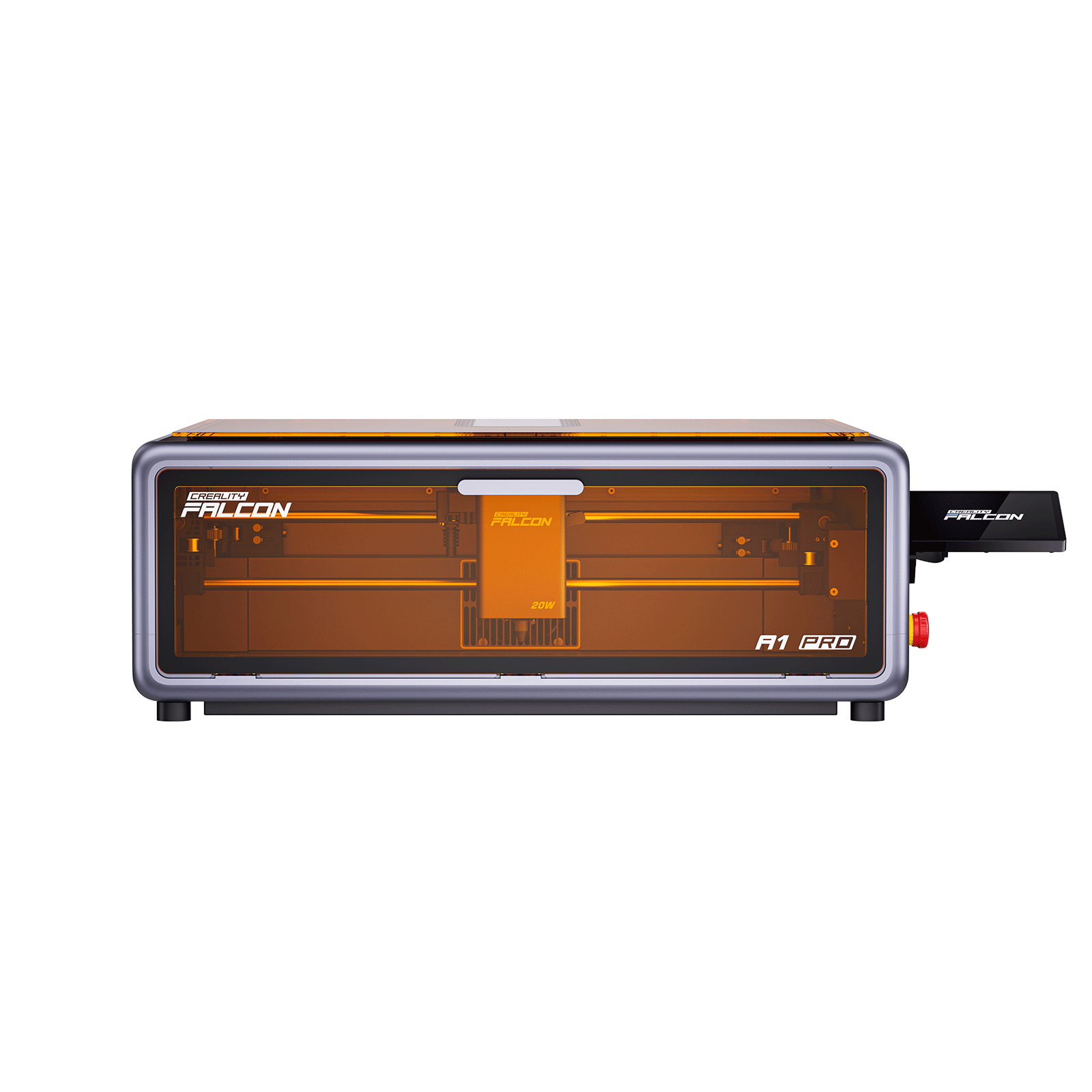
👉 A compact model like the Falcon A1 Pro 20W is designed for quick, easy cleaning after projects.
2. Weekly Maintenance
-
Clean the lens: Use lens wipes or isopropyl alcohol (90%+).
-
Check belts and rails: Make sure they’re tight and move smoothly.
-
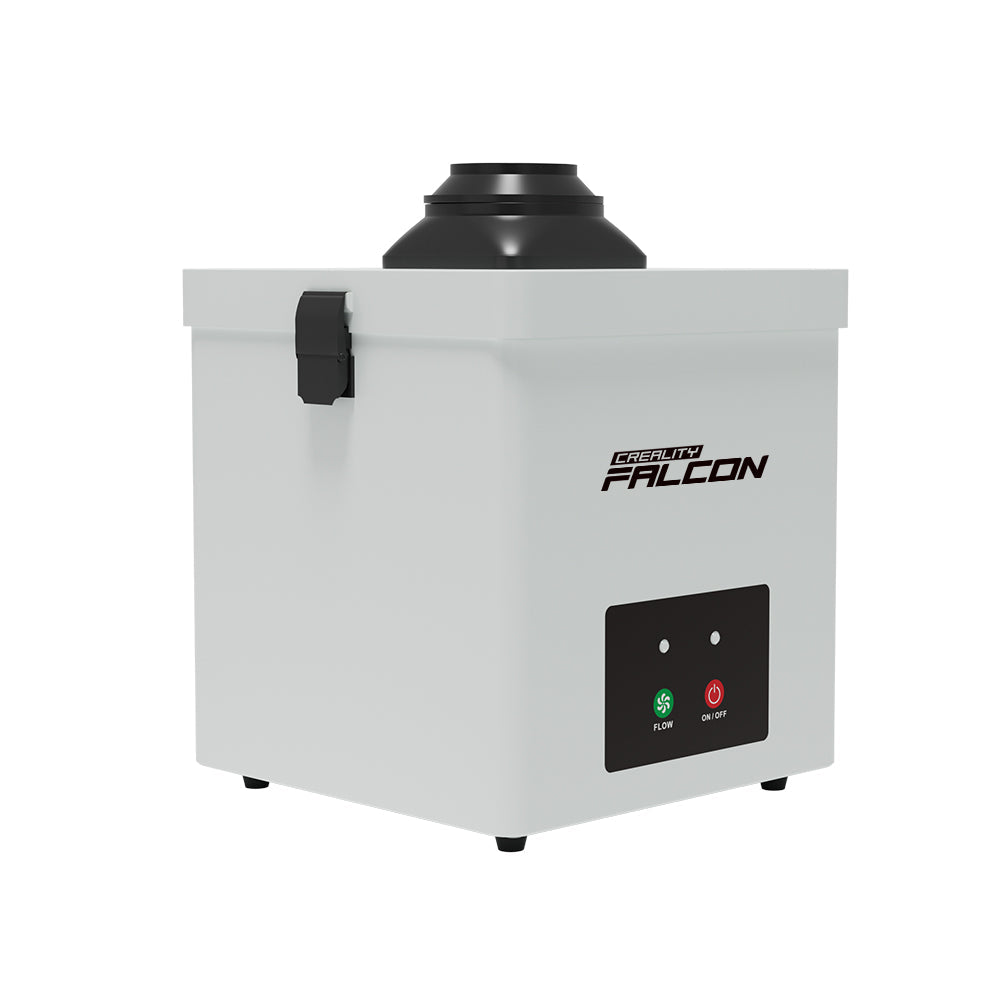
Inspect airflow: Look for blockages in your exhaust or purifier.
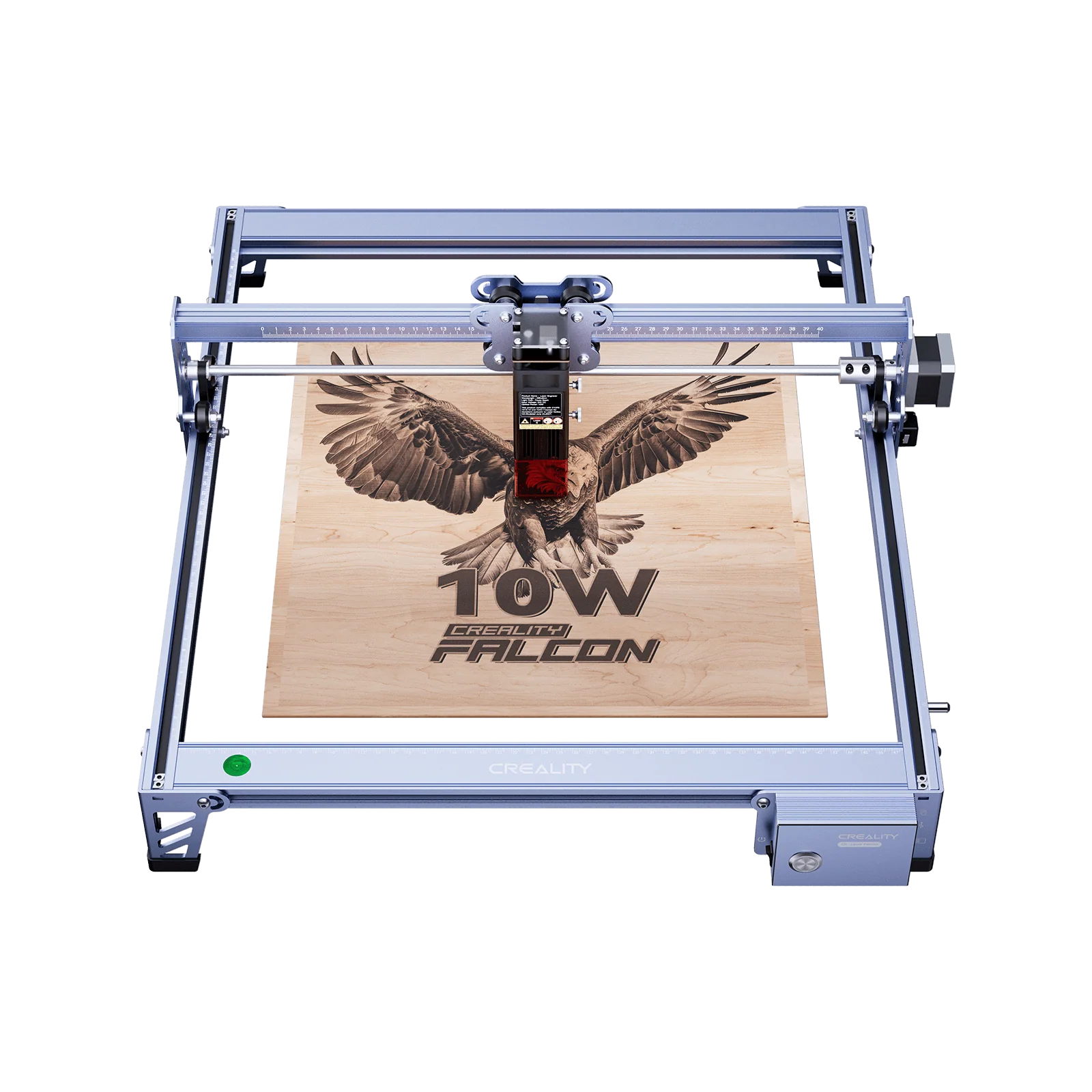
👉 The Falcon2 Pro 40W has built-in smoke extraction, reducing weekly cleaning tasks.
3. Monthly Deep Cleaning
-
Lubricate rails: Apply a drop of machine oil (don’t overdo it).
-
Check filters: Replace purifier filters or clean ducts.
-
Tighten screws: Make sure nothing has loosened from vibration.
-
Software updates: Keep firmware and control software up to date.
4. Materials and Safety Checks
-
Use safe materials: Avoid PVC and fiberglass; stick to wood, acrylic, leather, coated metals.
-
Test safety features: Emergency stop button, lid-open detection, and flame sensors.
-
Keep fire safety gear nearby: A small CO₂ extinguisher is a must.

5. Maintenance Schedule At-a-Glance
-
After each job: Wipe down, remove debris.
-
Weekly: Clean lens, check belts and airflow.
-
Monthly: Lubricate rails, replace filters, tighten screws.
-
Quarterly: Full calibration and safety check.
Why Consistency Pays Off
Neglecting maintenance leads to:
-
Poor engraving quality.
-
Overheating and damage.
-
Shortened machine lifespan.
With just 10–15 minutes of care each week, you protect your investment and keep your engraver ready for business or hobby projects.
Conclusion: Clean Machine, Better Results
A well-maintained engraver is safer, lasts longer, and delivers sharper results. By following this simple checklist, you’ll enjoy consistent performance without costly breakdowns.
👉 Explore the Creality Falcon collection — from the beginner-friendly Falcon A1 Pro 20W to the advanced Falcon2 Pro 40W, both built with user-friendly maintenance in mind.
Recent News

Choosing Between CO₂, Diode, and Fiber Lasers: A Practical Guide
For makers, crafters, and entrepreneurs, a laser engraver opens doors to countless creative and business opportunities. But with...

The Ultimate Laser Engraver Safety Guide: Protecting Your Workspace
Laser engraving can transform simple materials into high-value products. But lasers are not toys — they involve heat,...

How to Start a Laser Engraving Business from Home
Introduction: A Creative Path to EntrepreneurshipHome-based businesses are booming, and laser engraving is at the forefront of this...


